
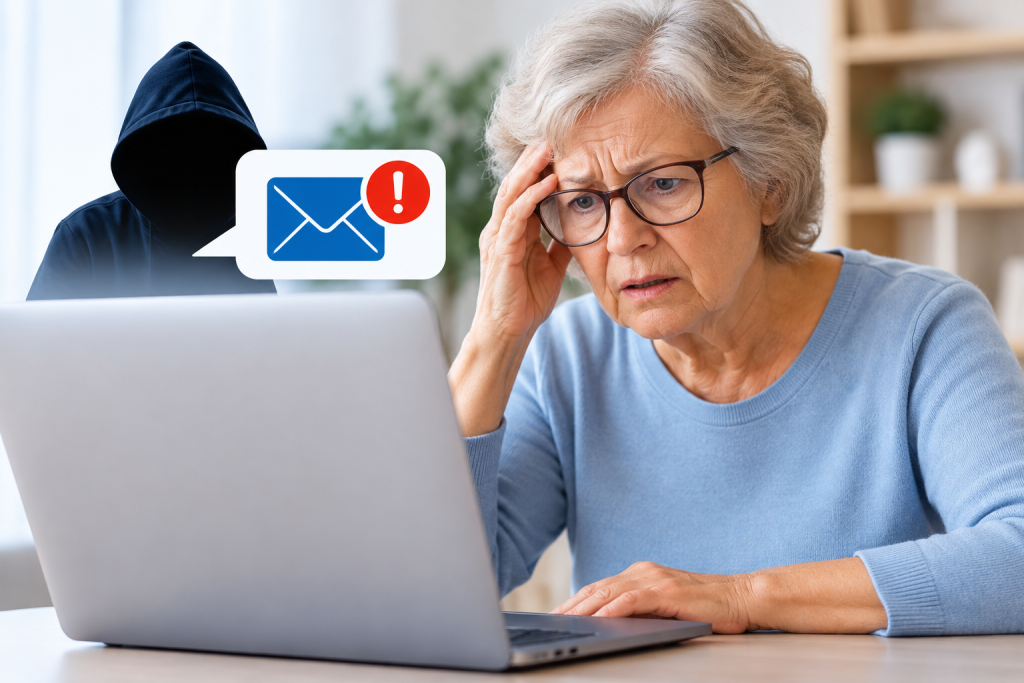
Computer scams are becoming increasingly convincing. Criminals may pretend to be Microsoft, your bank, a delivery company, or even someone you know. Their goal is usually to steal money, obtain personal information, or gain access to your computer.
Fortunately, there are warning signs you can learn to recognize. Here are seven common signs of a computer scam and what you should do if something seems suspicious.
1. Unexpected Computer Virus Warnings
A message suddenly appears on your screen claiming your computer is infected with a dangerous virus. It may display flashing warnings, make alarming sounds, or tell you to call a telephone number immediately.
These warnings are often designed to frighten you into contacting a fake support service.
Remember: A genuine security warning should not pressure you into calling an unfamiliar telephone number.
2. Someone Calls Claiming to Be Microsoft
A stranger calls and says they are from Microsoft or another technology company. They claim your computer has a serious problem and offer to repair it remotely.
The caller may sound professional and knowledgeable, but that does not mean the call is genuine.
Microsoft does not make unsolicited telephone calls offering to fix problems on your computer.
Never allow an unexpected caller to control your computer.
3. Urgent Requests for Payment
Scammers often create a sense of urgency. They might claim your computer will be blocked, your bank account will be frozen, or your personal files will disappear unless you pay immediately.
They may request payment through bank transfers, gift cards, or cryptocurrency.
Warning sign: Anyone demanding immediate payment to resolve an unexpected computer problem should be treated with suspicion.
4. Suspicious Emails and Messages
You receive an email or text message asking you to verify your account, update your password, or confirm a payment.
The message may look as though it comes from a familiar company, complete with its logo and official-looking design.
However, the sender’s address or the website link may be misleading.
Avoid opening unexpected attachments or clicking links in messages you do not trust. Visit the company’s website directly instead.
5. Requests for Remote Access
A scammer may ask you to install software that allows them to view or control your computer.
Remote assistance is a legitimate service when provided by a trusted professional you have chosen to contact. However, criminals also use remote-access software to steal information or manipulate banking transactions.
Never give remote access to someone who contacts you unexpectedly.
If you have already allowed suspicious access, disconnect your computer from the internet and seek trusted assistance.
6. Offers That Sound Too Good to Be True
You receive a message announcing that you have won a prize, qualified for a refund, or been selected for a special offer.
Before receiving the supposed reward, you are asked to provide personal information or make a small payment.
These offers may be attempts to obtain your banking details or identity information.
Be especially cautious when you are offered something valuable that you never requested.
7. Pressure to Keep Something Secret
One of the strongest warning signs is when someone tells you not to discuss a payment, telephone call, or computer problem with family members or your bank.
Scammers may claim that the situation is confidential or that involving another person will make things worse.
A legitimate company should not prevent you from seeking independent advice.
If someone pressures you to keep a computer-related request secret, stop communicating with them.
What Should You Do If You Suspect a Computer Scam?
If something feels wrong, do not rush into making a decision.
Stop communicating with the suspicious person, avoid further payments, and do not share passwords or banking details.
If you have already paid money or disclosed banking information, contact your bank immediately. If you have shared a password, change it using a trusted device.
If someone has accessed your computer remotely, it is important to have the computer checked before using it for sensitive activities again.
Worried That Your Computer May Have Been Compromised?
Discovering a possible computer scam can be frightening, especially if someone has already accessed your computer or obtained personal information.
At PC Help 50+, we provide patient, understandable computer assistance for seniors. We can help you assess suspicious computer activity, check for potential security problems, and understand the next steps.
You do not have to solve the problem alone.
Use the existing Help Me button below to contact PC Help 50+ for assistance.