
Microsoft 365 Family
One plan for your family.
Fully installed for you.
Give up to six people their own Microsoft apps and private OneDrive storage with one convenient subscription. We help you get it set up.
INSTALLATION HELP INCLUDED
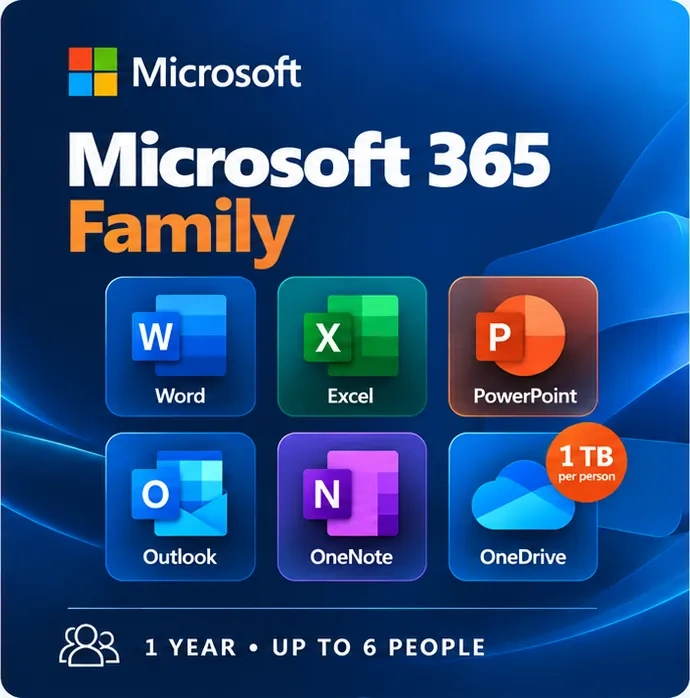
Everyday essentials
The Microsoft apps you already know
Familiar apps for school, work, family projects and everyday tasks. Each person can use their own Microsoft account.
Write letters, school assignments, CVs and documents.
Plan household budgets, lists and calculations.
Create school presentations and photo slideshows.
Organise email, appointments and contacts.
Keep recipes, notes, plans and ideas together.
Store and access your documents and photos online.
What you receive
Everything included with Microsoft 365 Family
Up to six people · One-year subscription · Installation assistance included
Word, Excel, PowerPoint, Outlook and OneNote.
Up to 6 TB total when shared with six people; each person has private storage.
Share with up to five other people, each using their own account.
Each person can be signed in on up to five devices at the same time.
Use supported apps on compatible PCs, Macs, tablets and phones.
AI assistance in supported apps, subject to the plan’s usage limits.
Additional personal security features on supported devices.
Keep eligible Microsoft 365 apps current.
PC Help 50+ helps you get started without complicated instructions.
Manage one plan for the people you invite.
Flexible and familiar
One subscription, separate accounts and devices
Each person can work on their own compatible PC, Mac, phone or tablet. Files in OneDrive stay linked to that person’s account, rather than being automatically shared with the whole family.
Microsoft 365 Family can be shared with up to five other people. Each person can be signed in on up to five devices at once. Available apps and features depend on the device and operating system.
Good to know
✓ Each person uses their own Microsoft account and private OneDrive storage.
✓ Compatible Windows PCs, Macs and supported iOS and Android devices.
✓ An internet connection is needed for initial setup, activation, updates and cloud features.
✓ Many desktop tasks can also be done offline after installation.
PC Help 50+ makes it simple
How installation assistance works
We help you get started, even if you’re not comfortable installing software yourself.
Order online
Purchase your Microsoft 365 Family subscription through our secure checkout.
We help you set it up
We’ll assist with installing, activating and getting the applications ready to use.
Start using your apps
Invite family members using their own Microsoft accounts, then start using the apps.
Installation assistance is included. Existing email migrations, extensive file transfers or other additional work may require a separate arrangement.
Choosing the right plan
Is Family the right choice for you?
Family is useful when two or more people want their own Microsoft apps and storage. If you only need one account, Microsoft 365 Personal may be enough.
VIEW MICROSOFT 365 PERSONALMicrosoft 365 Personal — €49.50
- For one person
- One Microsoft account
- 1 TB of personal cloud storage
- Familiar Microsoft 365 apps
Also considering more advanced AI features? View Microsoft 365 Premium.
Common questions
Frequently asked questions
Does each person need a Microsoft account?
Yes. The subscription owner and each invited person need their own Microsoft account. We can explain how to invite others.
Will it work on my computer?
It works on compatible Windows PCs and Macs, and supported mobile devices. If you’re unsure whether your device meets Microsoft’s current requirements, contact us before buying.
Is installation included in €64.50?
Yes, installation and initial setup assistance are included. Setting up many separate devices or complex migrations may need an additional arrangement.
What happens after one year?
The subscription needs to be renewed to continue receiving full subscription benefits. If it expires, Office apps may have reduced functionality and OneDrive storage limits can change.
How many devices can each person use?
Each of the up to six people can be signed in on up to five devices simultaneously.
Can I transfer existing documents?
Most common Word, Excel and PowerPoint files can be opened in the corresponding Microsoft 365 apps. If you need help moving many files, ask us about that service.
Do I need an internet connection?
You’ll need internet for setup, activation, updates and OneDrive syncing. Many installed desktop-app features can be used offline.
How is Family different from Personal?
Personal is for one person with 1 TB of storage. Family supports up to six people, each with their own account and 1 TB of storage.
Ready to get started?
Microsoft 365 Family, made simple.
One year for up to six people, with separate accounts, personal storage and installation assistance.
INSTALLATION HELP INCLUDED
Up to 6 people · 1 TB each · Up to 5 signed-in devices per person
For official product information, visit Microsoft’s 365 Family information page .